Save this window or start a new set
Open the space control in the command panel or type /workspace. Active Patrons can save the current window or create a blank space.
Blanc Patron
When a project takes more than one tab, keep its setup ready to return to. Blanc Spaces save a window’s tabs and groups under a name you choose.
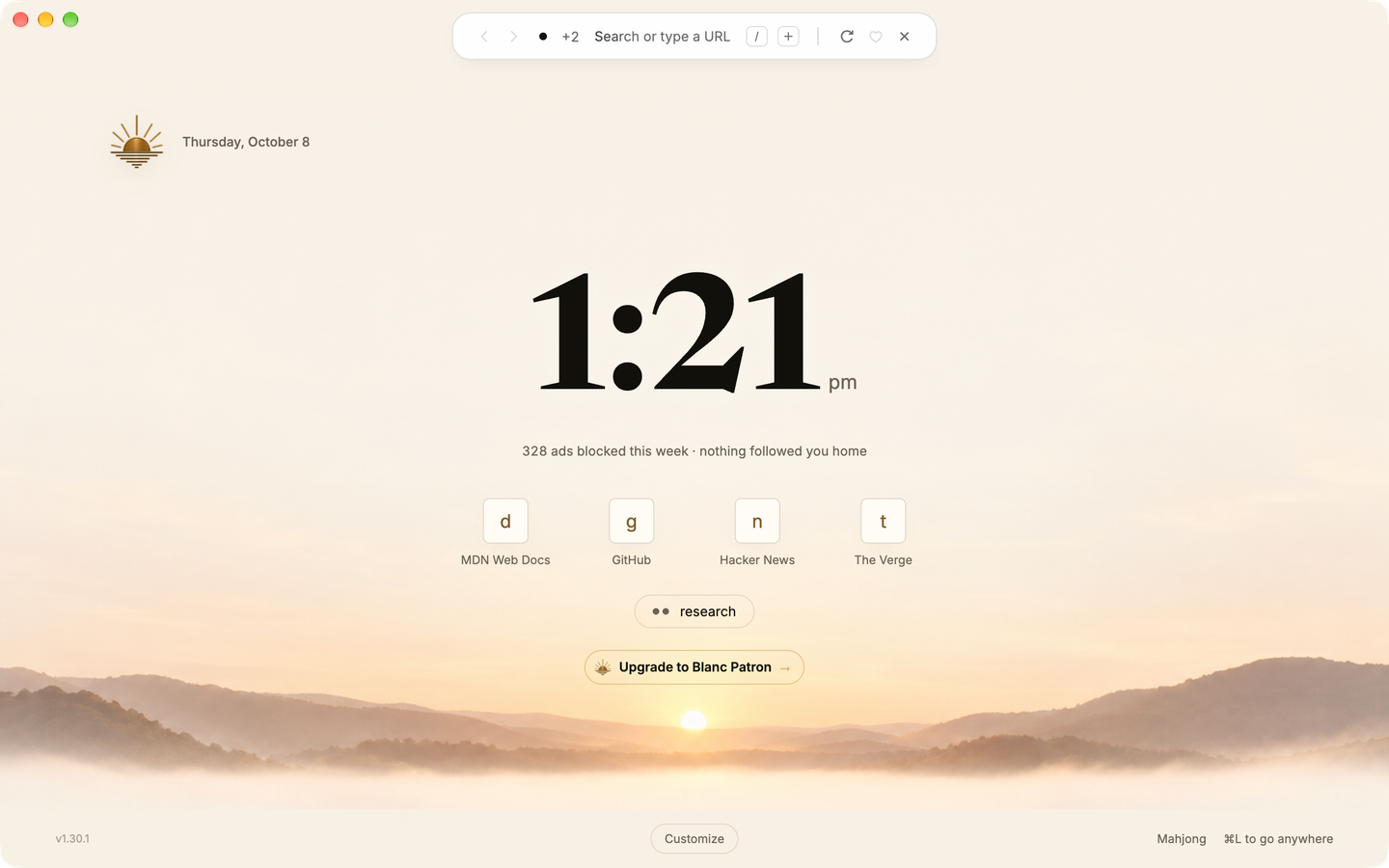
Open the space control in the command panel or type /workspace. Active Patrons can save the current window or create a blank space.
A bound space automatically saves its tabs and groups as you browse and returns after relaunch. Switching replaces the current window’s set; a space already open elsewhere brings that window forward.
Create groups and assign tabs yourself. Blanc saves those choices; it does not detect tasks or organize tabs by meaning.
Browsing essentials and ordinary tab groups are free. Blanc Patron is the optional subscription: US$30 per year or US$4 per month, plus applicable tax. It adds saved Blanc Spaces. Creating a space requires an active Patron subscription. Blanc Spaces are available on macOS, Windows and Linux.
If membership lapses, existing spaces remain openable, switchable, and automatically updated. Renaming and removing existing spaces continue to work if it lapses. Earlier one-time supporters keep their lifetime Patron access.
Private tabs are excluded from saved spaces. When a switch would discard private tabs or an unsaved window, Blanc asks you to make an explicit choice.