
See what’s new in Blanc
What’s new · Blanc 1.43 · October 24
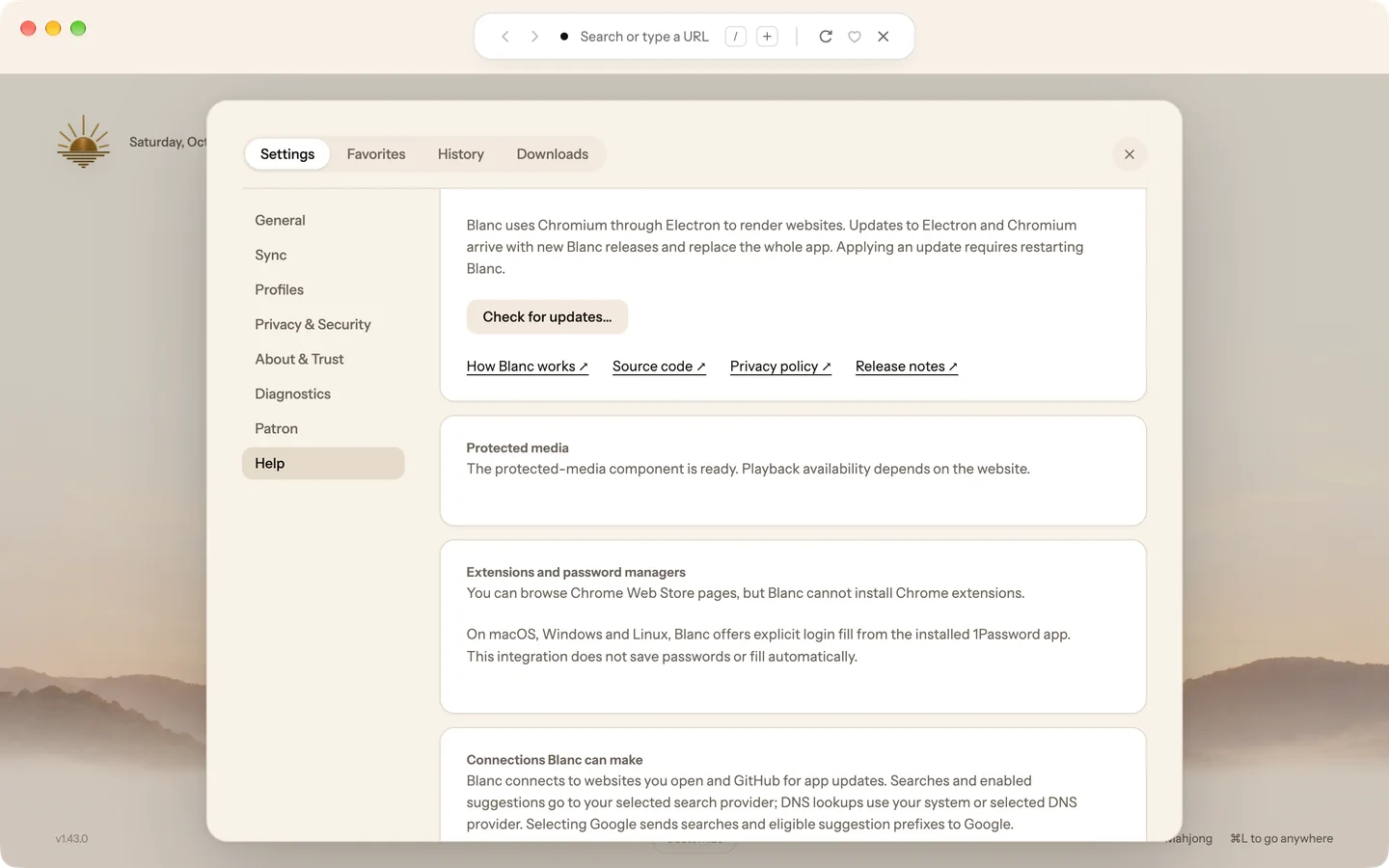
Watch protected video and music
Blanc now plays video and music that sites protect with Widevine DRM, on Mac, Windows and Linux. Netflix and Spotify were tried on an Apple Silicon Mac; whether a particular site plays still depends on that site.
- Keep browsing while Blanc downloads the Widevine component from Google in the background.
- Open Settings, then Help, to see when Protected media is ready.
On Linux, Blanc asks you to restart once the component is installed, and again after it updates.
What’s new · Blanc 1.43 · October 24
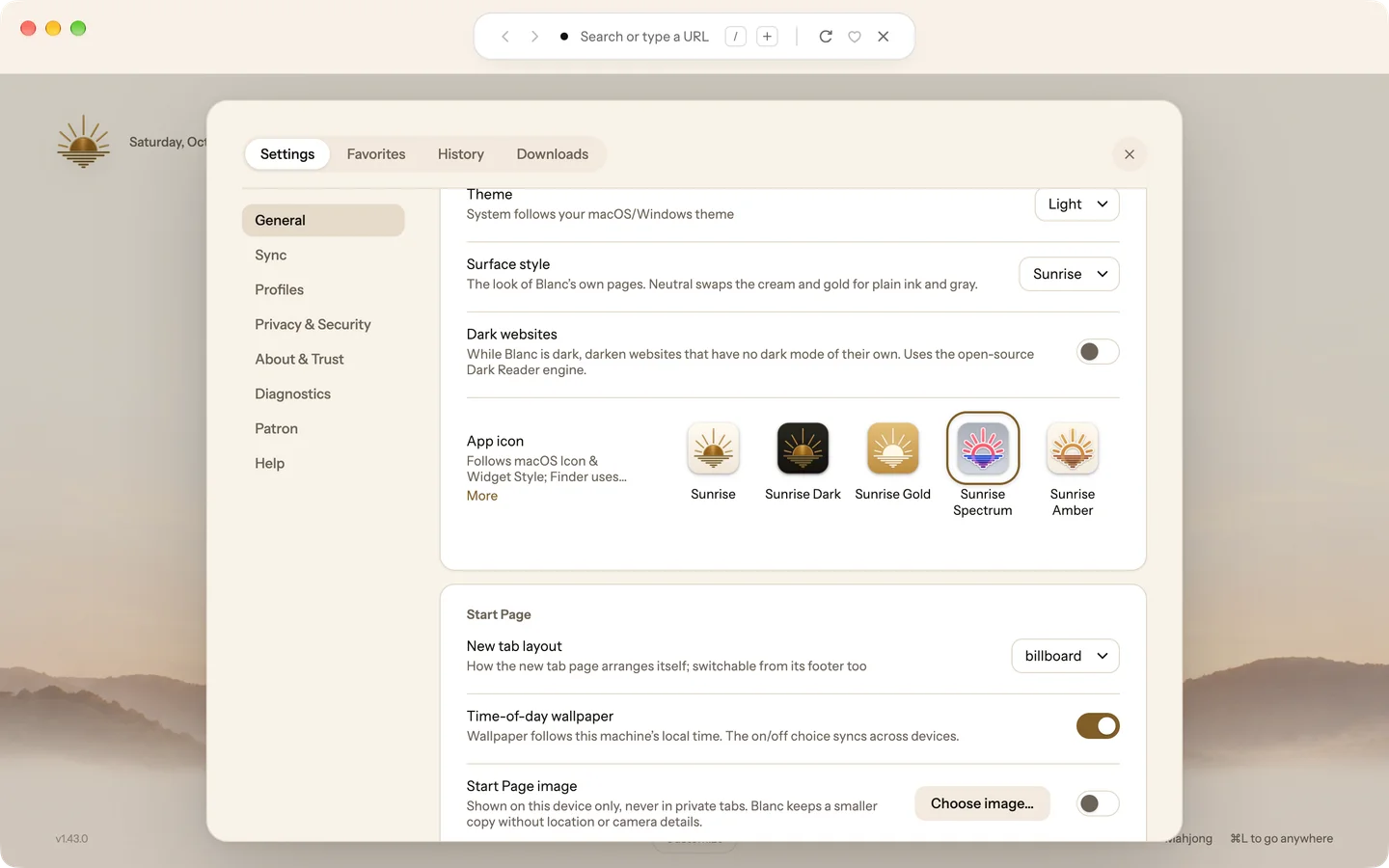
Two new glass app icons
Sunrise Spectrum and Sunrise Amber redraw the Sunrise in glass: a ring sun, rays and water lines inside a white outline. Spectrum is coral and red over royal blue; Amber is gold over bronze. Both turn dark in Dark mode.
- Open Settings, then General.
- Under App icon, choose Sunrise Spectrum or Sunrise Amber.
What’s new · Blanc 1.43 · October 24
A plainer look for Blanc’s own pages
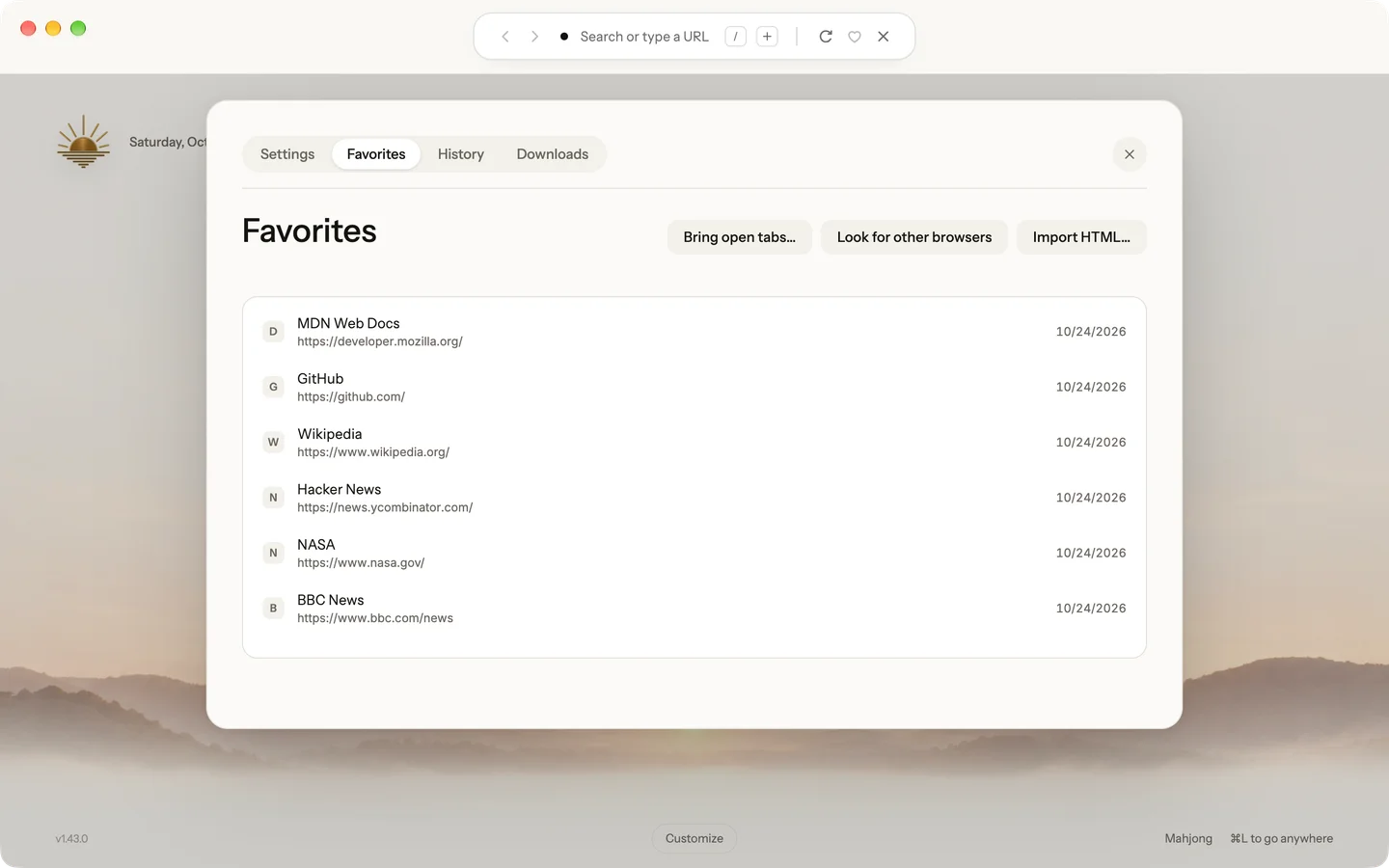
The new Neutral surface style swaps the cream and gold of the Start Page, Favorites, History, Downloads and Settings for plain ink and gray, in Light and Dark. Sunrise stays the default.
- Open Settings, then General.
- Set Surface style to Neutral.
Wallpapers, app icons and the Sunrise mark don’t change.
Recently · Blanc 1.41 · October 21
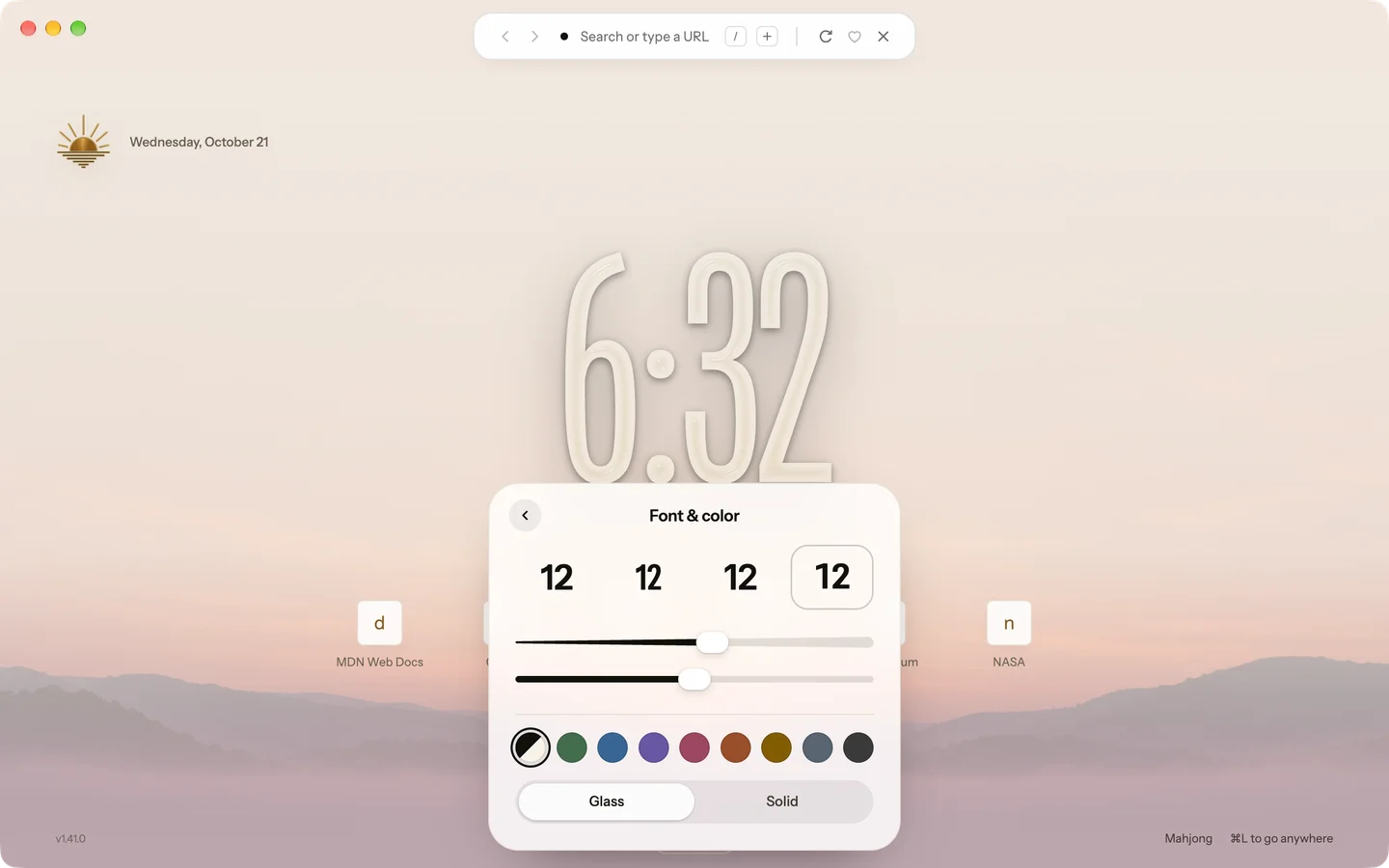
Make the clock your own
Choose the Billboard clock’s font, weight, height and color, as on the iOS Lock Screen. Glass bends the wallpaper behind the numerals; Solid draws them flat.
- On the Start Page, right-click the clock.
- Pick a font, then drag Weight and Height and choose a color.
Or open Customize and choose Clock. Every clock now has a soft shadow, so it reads on any wallpaper.
Recently · Blanc 1.41 · October 21
Pin pages to your Start Page
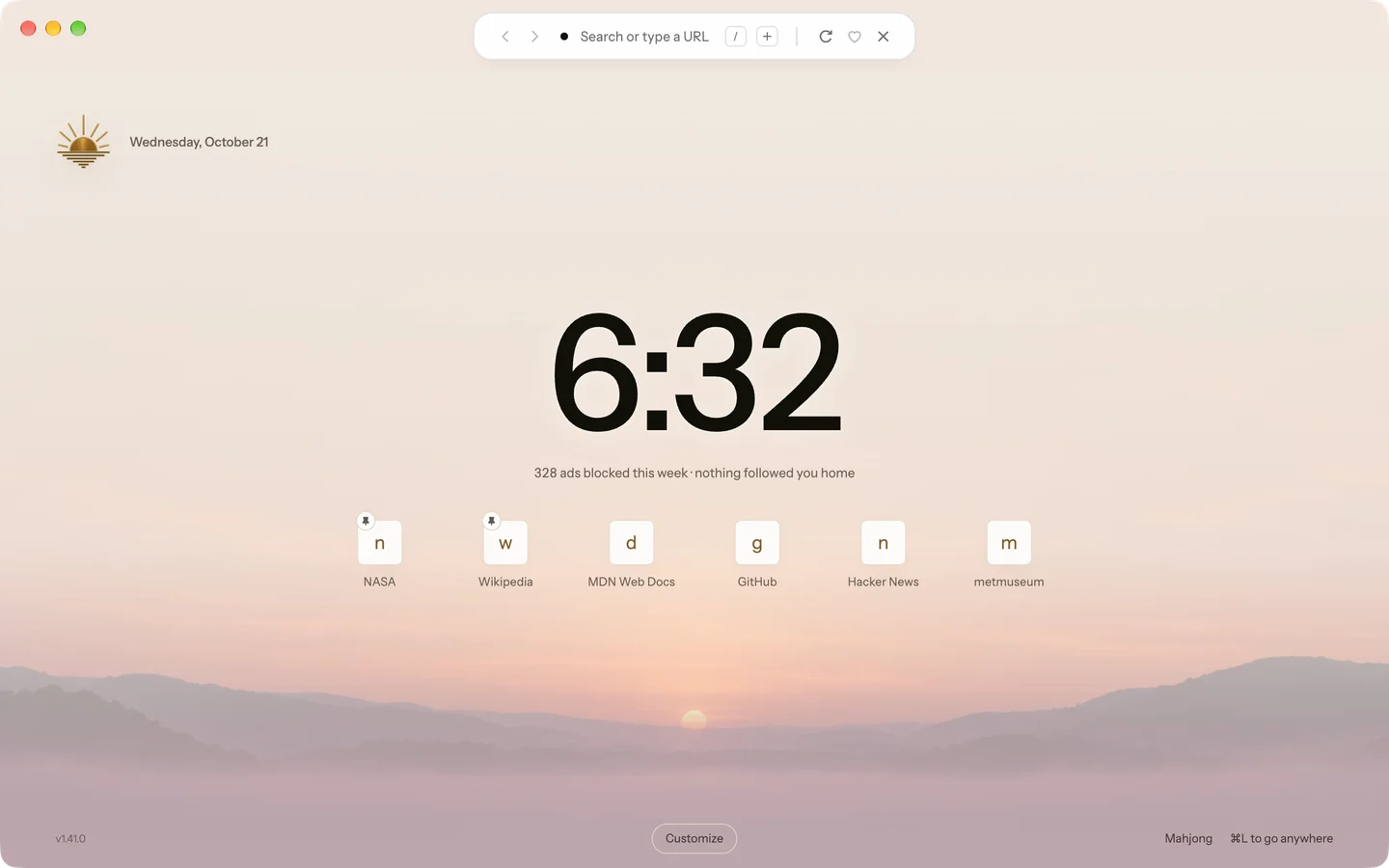
Pin up to eight pages and they come first on every Start Page layout, newest first. Pins sync with Profile Sync.
- Right-click a tab and choose Pin to Start Page.
- Or press the pin on a Start Page tile or a favorite.
You can pin and unpin favorites from the Favorites page too.
Recently · Blanc 1.40 · October 20
Two tabs side by side
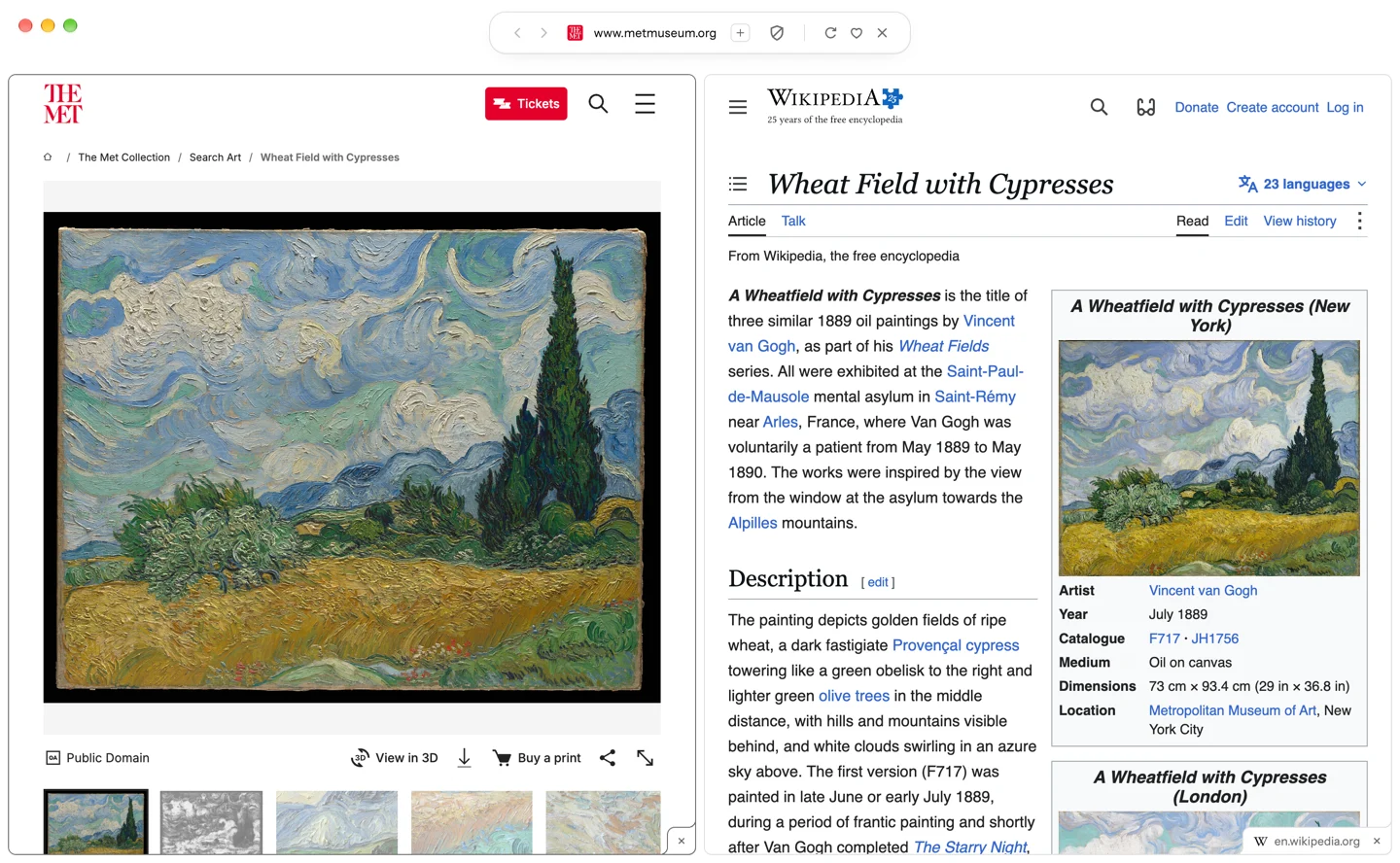
Show two tabs in one window and drag the divider to share the space between them. The pane you click is the current tab, and the split stays together after a relaunch.
- Right-click a tab and choose Split with.
- Pick the tab to show beside it.
To end it, choose Remove from Split or Close Split in a tab’s menu.
Recently · Blanc 1.40 · October 20
Glance floats over your page
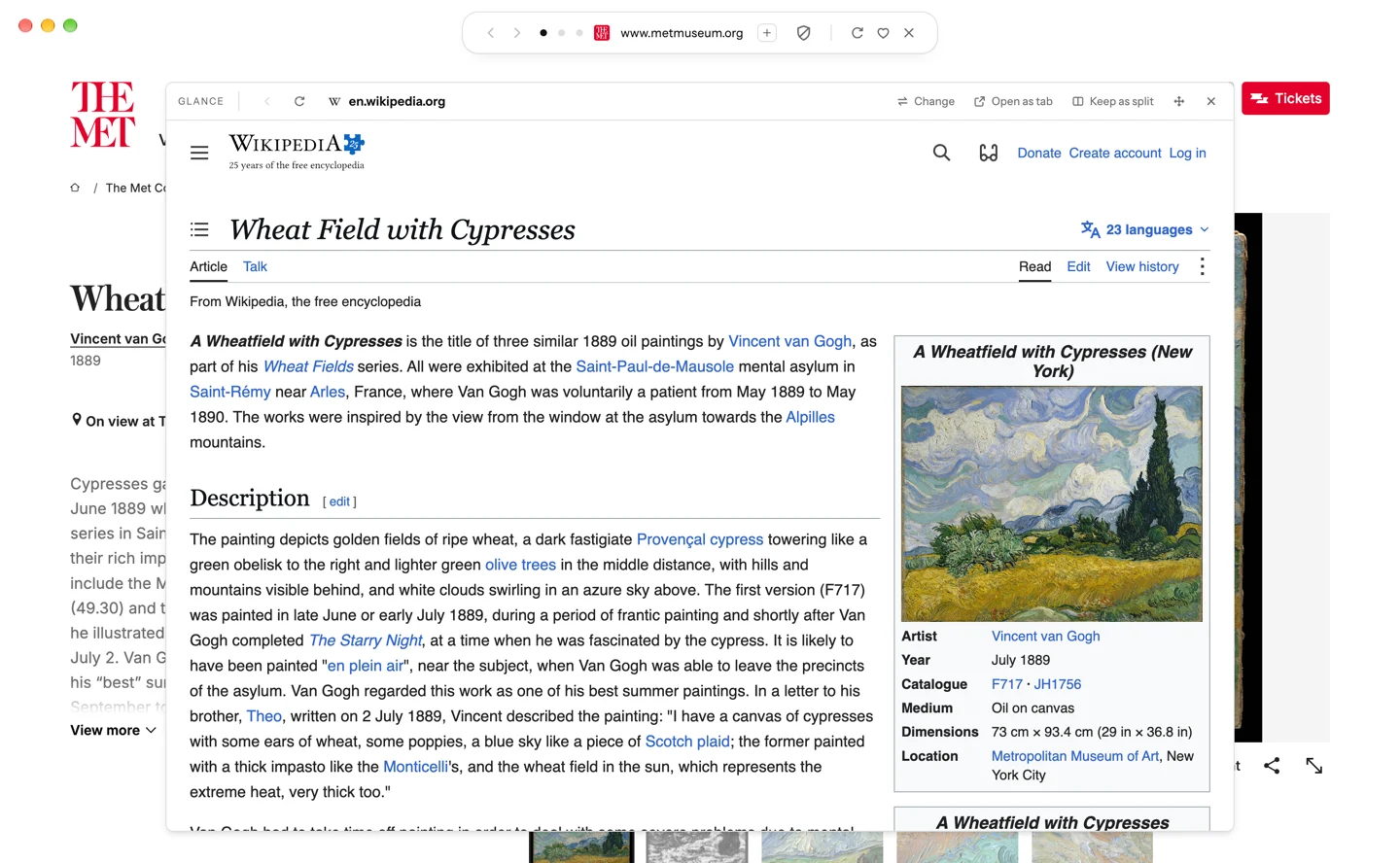
The tab you pick opens as a card over the page you’re on, and the page behind stays usable. Move it, resize it, and Blanc remembers where you left it.
- Right-click a tab and choose Open in Glance.
- Drag the card’s header to move it, or an edge to resize it.
Open as tab makes the Glance page the current tab, and Keep as split puts the two side by side.
Recently · Blanc 1.40 · October 20
The Island floats over the page
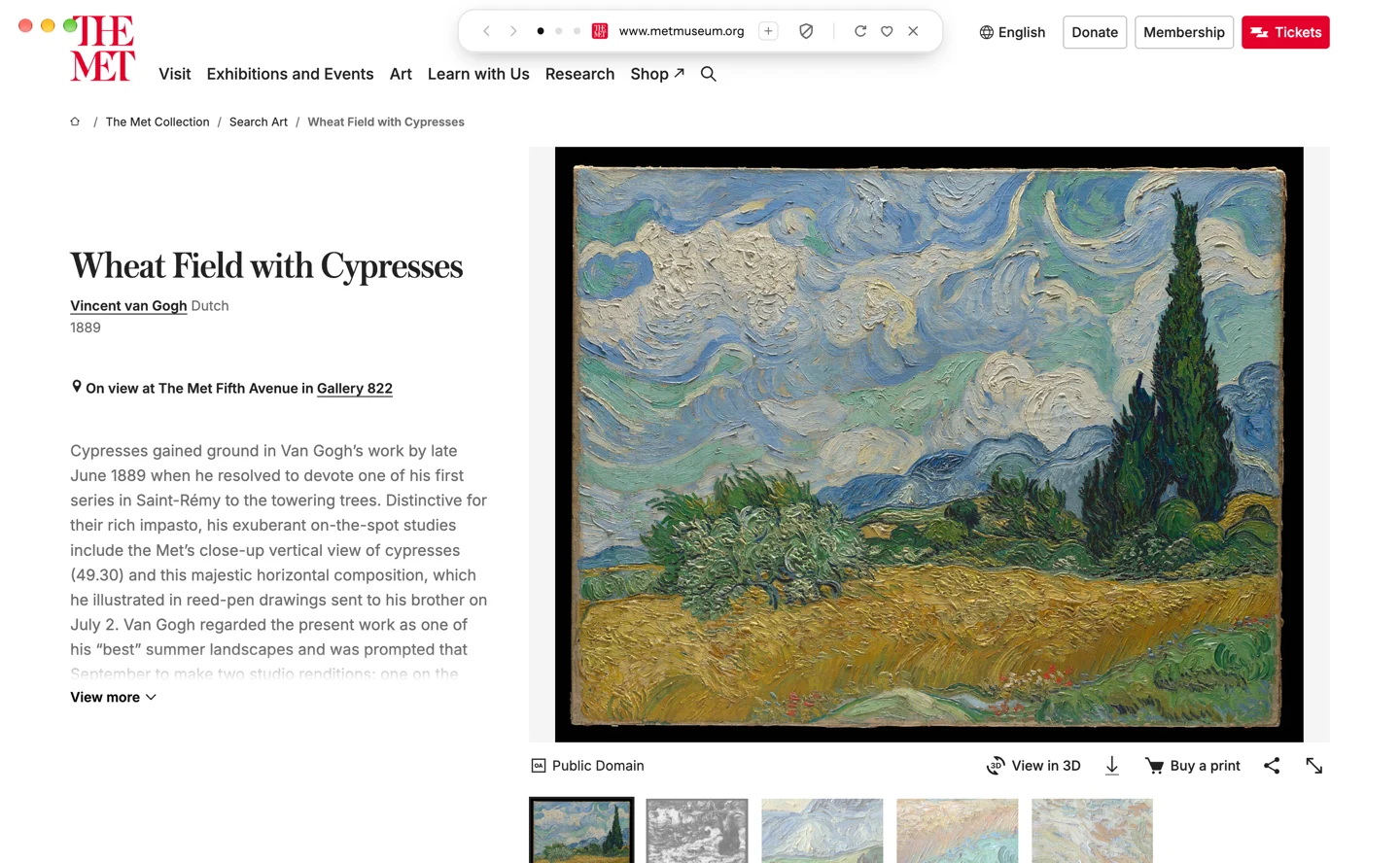
With Auto-hide the Island on, the Island now floats over the page when it comes back, so the page never jumps down to make room.
- Open Settings → General.
- Turn on Auto-hide the Island.
Prefer the page to move? Under When the Island comes back, choose Push the page down.
Want every detail? Read the full changelog on blanc.day